
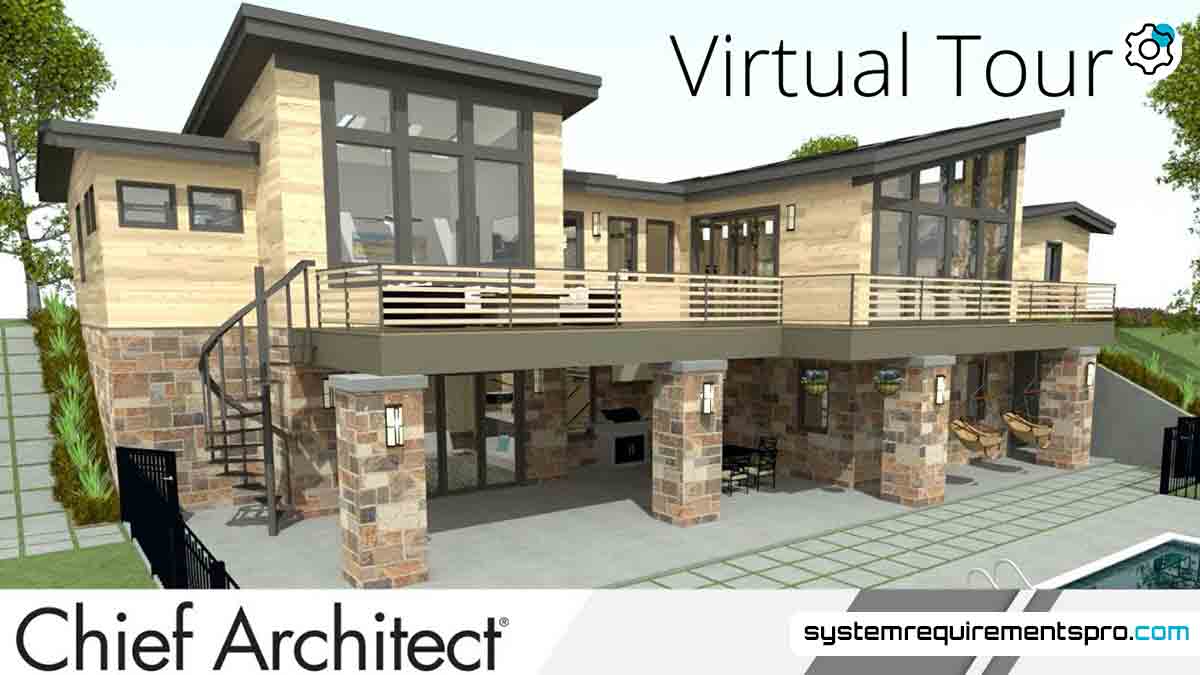
Designing architectural plans, 3D models, or interior layouts calls for strong software and hardware working in concert rather than only imagination. Understanding the Chief Architect System Requirements is essential for professionals and enthusiasts using Chief Architect to prevent lag, crashes, or compromised output. Meeting these requirements ensures the software runs smoothly, whether you’re creating a residential blueprint or a photorealistic walkthrough. Let us dissect the components your computer requires to properly handle this potent tool.
Chief Architect Minimum System Requirements
Check that your system satisfies the basic requirements before Chief Architect is installed. The software can run thanks to these minimum requirements, but performance may be constrained for difficult tasks like 3D rendering or managing a large project.
Minimum Requirements
- Operating System: Windows 10 (64-bit) or macOS 10.14 (Mojave).
- Processor: A multi-core Intel or AMD processor with a clock speed of at least 2.5 GHz.
- RAM: 8 GB of memory.
- Storage: 10 GB of free space on a traditional hard drive (HDD), though a solid-state drive (SSD) is preferable.
- Display: A monitor with 1440×900 resolution and support for 16-bit color.
- Graphics Card: A dedicated GPU with 2 GB VRAM (e.g., NVIDIA GeForce GTX 950 or AMD Radeon RX 460).
Although these specs let you run the program, handling big files or real-time ray tracing can tax your system. While professionals should strive for better standards, users working on smaller projects or 2D drafting would find this adequate.
Chief Architect Recommended System Requirements
The recommended system requirements offer a future-proof configuration for flawless performance, particularly when working on complex 3D models, high-resolution renderings, or multi-layered designs.
Recommended Requirements
- Operating System: Windows 11 (64-bit) or macOS 12 (Monterey).
- Processor: A high-end Intel Core i7/i9 or AMD Ryzen 7/9 processor with a clock speed of 3.5 GHz or higher.
- RAM: 16 GB or more for multitasking and handling memory-intensive operations.
- Storage: 20 GB of free space on an SSD for faster data access.
- Display: A 4K-capable monitor (3840×2160) with true-color support.
- Graphics Card: A dedicated GPU with 6 GB VRAM (e.g., NVIDIA RTX 3060 or AMD Radeon RX 6700 XT).
A system meeting these requirements guarantees faster render times, better processes, and the capacity to oversee more significant projects free from slowdowns. More recently developed operating systems also frequently include tweaks meant to improve software stability.
Chief Architect System Requirements PC: Minimum vs Recommended
Your workload will determine whether you choose minimum or recommended specs. Professionals need dependability and speed; casual users might give cost-effectiveness top priority. Here is a succinct analogy:
| Category | Minimum Requirements | Recommended Requirements |
|---|---|---|
| OS Requirements | Windows 10 / macOS 10.14 | Windows 11 / macOS 12 |
| Processor Requirements | 2.5 GHz multi-core CPU | 3.5 GHz+ high-end CPU |
| RAM Requirements | 8 GB | 16 GB+ |
| Storage Requirements | 10 GB HDD | 20 GB SSD |
| Display Requirements | 1440×900 resolution | 4K resolution |
| Graphics Card Requirements | 2 GB VRAM | 6 GB VRAM |
The difference between these levels emphasises the need to make investments in better hardware for sophisticated capabilities. For 3D rendering, for example, a strong GPU speeds things; an SSD shortens texture and model load times.
Optimization Tips for Chief Architect Software
Even if your system meets the minimum requirements, these will help:
- Update Drivers: Make sure your GPU and CPU drivers are up to date for performance improvements and bug fixes.
- Close Background Apps: Free up RAM by closing unused apps, especially browsers or video editors.
- Adjust Software Settings: Turn off anti-aliasing or shadow quality in Chief Architect’s preferences for faster rendering.
- Use Efficient Workflows: Break large files into smaller files or use layers to manage complex designs.
- Keep Your Hardware Clean: Clean out your computer’s innards to prevent overheating, which can slow things down.
- Consider Upgrades: If it’s still slow, consider upgrading your GPU or adding RAM.
Conclusion
Realising the full possibilities of the software starts with knowing the requirements for the Chief Architect System. The recommended hardware transforms your experience, enabling accuracy and efficiency for demanding projects, while the minimum specs only provide the most fundamental functionality. Aligning your system with these standards and implementing optimisation techniques will help you to make sure that technical constraints never limit your creative vision.
Frequently Asked Questions
Can I run Chief Architect on a laptop?
Yes, if the laptop meets the minimum requirements. But for 3D modeling, a high-performance laptop with a dedicated GPU is recommended.
Does integrated graphics work with Chief Architect?
Integrated graphics (e.g., Intel UHD) will do 2D drafting but struggle with 3D rendering. A dedicated GPU is recommended.
Should I upgrade my RAM or GPU first?
If you are experiencing slowdowns when multitasking, upgrade your RAM. If you are experiencing rendering issues, upgrade the GPU.
Is Chief Architect compatible with Linux?
No, Chief Architect only supports Windows and macOS.
Can cloud computing supplement hardware limitations?
While Chief Architect doesn’t offer cloud-based versions, remote desktop solutions can access stronger hardware over the cloud.
We hope that you have found the answer to the system requirements for Chief Architect. Follow System Requirements Pro for more such updates, and bookmark this page to get the latest updates on the system requirements for Chief Architect.